
Choosing the right charging cable is just as important as choosing the right charger. A good-quality cable helps deliver reliable power, supports compatible fast-charging technology and makes everyday charging more convenient. However, with so many options available, including USB-A to Type-C, Type-C to Type-C, braided cables and different wattage ratings, selecting the right one can be confusing.
Whether you use an Android smartphone, tablet or another USB-C-compatible device, understanding a few important features can help you make a better buying decision.
In this guide, we will explain everything you need to know before purchasing a USB-C charging cable.
1. What Is a USB-C Charging Cable?
USB Type-C, commonly called USB-C, is a modern connector standard designed for charging, data transfer and connecting electronic devices.
Unlike older USB connectors, USB-C plugs can be inserted in either direction, making them convenient to use.
Today, USB-C is widely used in smartphones, tablets, laptops, wireless accessories and many other electronic devices.
However, remember that not every USB-C cable offers the same charging speed, power capacity or data-transfer capability. These depend on the cable’s specifications and the devices connected to it.
2. USB-A to Type-C vs Type-C to Type-C: What’s the Difference?
One of the first things to consider when buying a charging cable is its connector combination.
USB-A to Type-C Cable
This cable features a traditional USB-A connector at one end and a USB-C connector at the other.
It is suitable for connecting USB-C smartphones to compatible USB-A charging adapters, power banks and other USB-A power sources.
It is a practical choice for people who still use conventional USB charging adapters.
Type-C to Type-C Cable
Both ends of this cable feature USB-C connectors.
It is commonly used with modern USB-C wall chargers, laptops, power banks and other compatible devices.
Type-C to Type-C cables can support USB Power Delivery (PD) fast charging when the charger, device and cable are compatible.
Which one should you choose?
If your charging adapter has a USB-A port, choose an appropriate USB-A to Type-C cable. If your charger and smartphone both support USB-C charging, a Type-C to Type-C cable is generally the more suitable option.
3. Understanding Charging Cable Wattage: 60W, 65W and 100W
Wattage indicates the amount of electrical power a compatible charging system can deliver.
You may come across cables advertised as 60W, 65W or 100W.
But what do these ratings actually mean?
- 60W cables: Suitable for devices and charging systems requiring power within their supported rating.
- 65W cables: Designed for compatible charging systems that require up to the advertised power.
- 100W cables: Intended for higher-power charging applications when the charger, cable and device support the required specifications.
An important point: a higher wattage rating does not automatically mean faster charging.
For example, connecting a 100W-rated cable to a smartphone that supports only 25W charging will not make that phone charge at 100W.
The actual charging speed depends on the compatibility of all three components: the charger, cable and device.
Also, proprietary charging technologies may use different power specifications from standard USB Power Delivery.
4. Why Cable Quality Matters for Fast Charging
A charging cable is more than just a connection between your smartphone and charger.
Its construction and electrical characteristics influence how reliably power is delivered.
Here are some factors worth considering:
Conductor quality: Good-quality conductors help maintain reliable electrical connections and reduce unnecessary resistance.
Connector construction: Properly designed connectors provide a secure fit and help withstand regular plugging and unplugging.
Insulation: Quality insulation protects the internal conductors and contributes to the cable’s durability.
Current capacity: The cable must support the current required by the compatible charging system.
Choosing a cable based only on its appearance or low price may not always be the best decision. Check its actual specifications and compatibility before purchasing.
5. Braided vs Regular Charging Cables: Which Is Better?
Charging cables are available in different outer coverings, with braided and conventional plastic-coated cables being common choices.
Braided Charging Cables
Braided cables feature a woven outer covering that can offer better resistance to everyday abrasion and help protect the cable from ordinary wear.
They are also popular because of their premium appearance and flexible construction.
Regular PVC Charging Cables
PVC-coated cables generally have a smooth outer surface and are widely available.
Their quality and durability depend on the materials, internal construction and manufacturing standards.
Our suggestion: If you frequently carry your charging cable in a bag or use it throughout the day, consider a well-constructed braided cable. However, the outer material alone does not determine charging performance.
6. Does Every Type-C Cable Support Fast Charging?
No. This is one of the most common misconceptions among smartphone users.
Although two cables may have identical USB-C connectors, their electrical and technical capabilities can be different.
Some cables are designed primarily for basic charging, while others support higher current and specific fast-charging technologies.
For USB Power Delivery, higher-power charging can require a cable with appropriate current capacity and electronic identification. USB-IF also provides cable certification and power-rating requirements.
Before purchasing, check:
- The maximum supported wattage.
- Whether the cable supports the required charging protocol.
- Whether the charger and smartphone are compatible.
- The manufacturer’s stated specifications.
Never assume that every Type-C cable supports the maximum fast-charging speed of your smartphone.
7. How to Choose the Right USB-C Charging Cable for Your Smartphone
Before purchasing a new USB-C charging cable, consider these five important points:
- Check your smartphone specifications: Find out the maximum supported charging speed and connector type.
- Check your charger: Identify whether your adapter uses USB-A or USB-C and which charging technology it supports.
- Select the correct cable rating: Choose a cable that supports the required power and current.
- Consider cable construction: Look for good-quality connectors, insulation and durable materials.
- Buy from a reliable brand: Prefer clearly specified products from manufacturers that provide transparent product information.
A little attention to these details can help you avoid compatibility issues and make a more informed purchase.
8. Explore Lamture Charging Cables
At Lamture, we understand that reliable charging accessories are an essential part of everyday smartphone use.
Our charging cable range includes options designed for different charging requirements.
Lamture 100W Dash Type-C Cable
Designed for users looking for a high-power charging cable, this model features five-core pure copper construction. Its stated 100W rating is intended for compatible charging systems. Always check the required charging protocol and device compatibility.
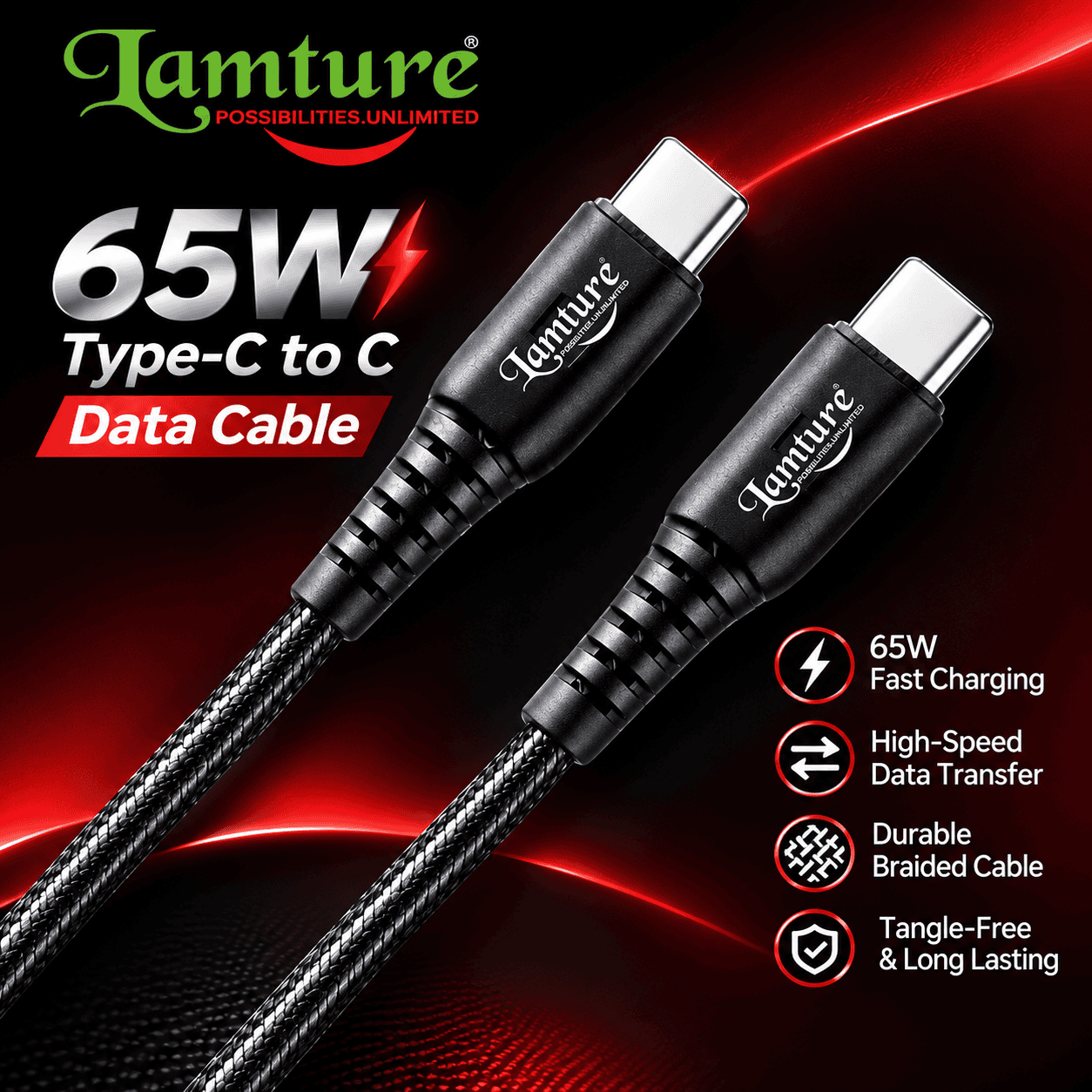
Lamture 65W Type-C to Type-C Braided Cable
Combining a braided exterior with Type-C connectors at both ends, this cable is designed for compatible charging applications requiring up to its stated 65W rating.
Explore the Lamture range to find a charging cable that matches your device and charging requirements.
Frequently Asked Questions (FAQs)
1. Which USB-C cable is best for fast charging?
The best USB-C cable is one that supports the required wattage, current and charging protocol of your smartphone and adapter.
2. Does a 100W charging cable charge every smartphone faster?
No. Charging speed is limited by the capabilities of the smartphone, charger and cable working together.
3. Is a braided charging cable better than a normal cable?
Braided cables can offer better resistance to everyday abrasion, but overall quality depends on their construction and materials.
4. Can I use a 65W cable with a 25W charger?
Yes, provided the connectors and charging specifications are compatible. The charger and smartphone determine the actual charging power.
5. What is the difference between USB-A to Type-C and Type-C to Type-C?
USB-A to Type-C connects a traditional USB-A port to a USB-C device, while Type-C to Type-C connects two USB-C ports.
Final Thoughts
Choosing the right USB-C charging cable is about more than selecting a connector that fits your smartphone. Charging wattage, current capacity, compatibility, construction quality and supported charging technology all matter.
Whether you need a regular charging cable for everyday use or a higher-rated cable for compatible fast-charging applications, always check the specifications before making your purchase.
Choose wisely. Charge reliably. Choose Lamture.


